Skip to content

What you do in the app, screen by screen.

What you’ll find in the app, screen by screen: exams in the real format, a correction for every option, spaced review of your mistakes, courses, a study plan, mock exams and Toubib.

Free during the beta. No card needed.

Timed exams

Sit past papers as you would on exam day.

Past sessions play out like the big day: a clock, the question grid, a highlighter and an “Unsure” flag for anything that deserves a second look.

  • Four modes: Timed, Untimed, Practice and Mock exam
  • “Single answer” or “Multiple answers” shown on every question
  • A five-colour highlighter, with its eraser
  • Zen mode: the question, nothing else
  • Every answer saved as you go, so you can resume the attempt later

Preview of the exam player: clock and “Finish” button, a question with two highlighted passages and the “Unsure” flag, the grid of 40 questions and the highlighter.

Medicine · June 2024

MedicineTimed

Question 12Single answerCardiology

A 34-year-old woman comes in with exertional dyspnoea that began three months ago, and palpitations. She had acute rheumatic fever as a child. Auscultation finds a diastolic rumble at the mitral area.

Highlighter

What is the most likely diagnosis?

What is the most likely diagnosis?

Four modes, one player

  • TimedThe exam’s time, counting down. Pause if you need to.
  • UntimedTime spent is shown, with no limit. At your own pace.
  • Practice“Show the answer” and the course reminder, question by question. Not in your stats.
  • Mock examA clock that never stops, and your attempt submitted when time runs out.

A clock you read at a glance

Its colour tells you where you stand, without reading.

  • UntimedTime spent, in grey, with no limit.
  • 5 minutes left.The last five minutes turn yellow.
  • Over timePast the recommended time, you finish at your own pace: the overtime is shown.

The highlighter

Five colours, like your markers, and an eraser. Try it:

Highlighter

Practice mode

The answer whenever you want it, with the course reminder.

Diastolic rumble at the mitral area after acute rheumatic fever: which diagnosis?

Course reminder

Mitral stenosis is the typical valve sequela of acute rheumatic fever: diastolic rumble, loud S1, opening snap.

Explained corrections

Understand every mistake, option by option.

After “Finish”, the correction goes over your whole attempt: your score, your weak spots by sub-module, then every question with the justification of every option, ticked or not.

  • Two scores: with partial credit, and all or nothing
  • Correct, partial, incorrect, unanswered, and time spent against the recommended time
  • Results by sub-module, to see where it hurts
  • “To review” and “Unsure” filters to go straight to what matters
  • Under every question: course reminder, linked courses, “Report” and “Add to my reviews”

Preview of an exam correction: score with partial credit and all or nothing, results by sub-module and a filterable list of questions.

7 questions shown

Filter questions
Filter questions

Two marks for the same attempt

A multiple-answer question can earn partial credit, or nothing at all. The correction shows you both.

Single answer
1 point if it’s the right one, otherwise 0.
Partial credit
Options judged right (ticked if correct, left if incorrect), divided by the number of options.
All or nothing
1 point only if every option is judged right.

In the example: A, B and E judged right, C and D not.

Partial credit
3 ÷ 5 = 0.6 point
All or nothing
0 points

Two marks for the same paper: with partial credit, and all-or-nothing, as in the real exam.

Question 7Partly correctMultiple answers0.6/ 1 point

Pulmonology

About acute bronchiolitis in infants, which of the following options are correct?

Ask Toubib
Spaced review

Review your mistakes just before you forget them.

Every question you miss, or answer and mark “Unsure”, becomes a card in your mistake notebook. Spaced review (FSRS) reschedules it from your rating: the better you know it, the later it comes back.

  • Four ratings after each card: Again, Hard, Good, Easy
  • A rating suggested from your answer, which you can change
  • The mistake notebook by module, with your own notes
  • Flashcards from the MLA team and your own, in the same queue
  • Custom quizzes, down to “Only my mistakes”

Rate the card: the delay changes.

Preview of a review session on a phone: the card, the four rating buttons and when it comes back.

9:41

How did it go?

Comes backin 3 days

The right time: just before you forget

Each successful review lifts the memory back up, and the next one comes later. A mistake brings the card back sooner.

Illustrative example: real intervals depend on each card and on your ratings.

Mistake notebook

Your mistakes, your “Unsure” flags and questions added from a correction, with your note: the trap, the way to remember.

Filter the notebook
MedicineMistake

Diastolic rumble at the mitral area after rheumatic fever…

Comes back in 3 days · Forgotten twice

PaediatricsUnsure

Bronchiolitis in a 6-week-old infant, severity criteria…

Under 2 months = possible severe form

Comes back tomorrow

SurgeryAdded

Right iliac fossa pain, fever of 38.2 °C…

Comes back in 8 days

Flashcards

Front, back, and the same spaced review as questions.

Front

Apgar score: what are the five criteria?

Space or Enter to flip, 1 to 4 to rate.

Custom quiz

Modules, sessions, only your mistakes: the number of questions available follows your filters.

Modules
Your selection

16questions available

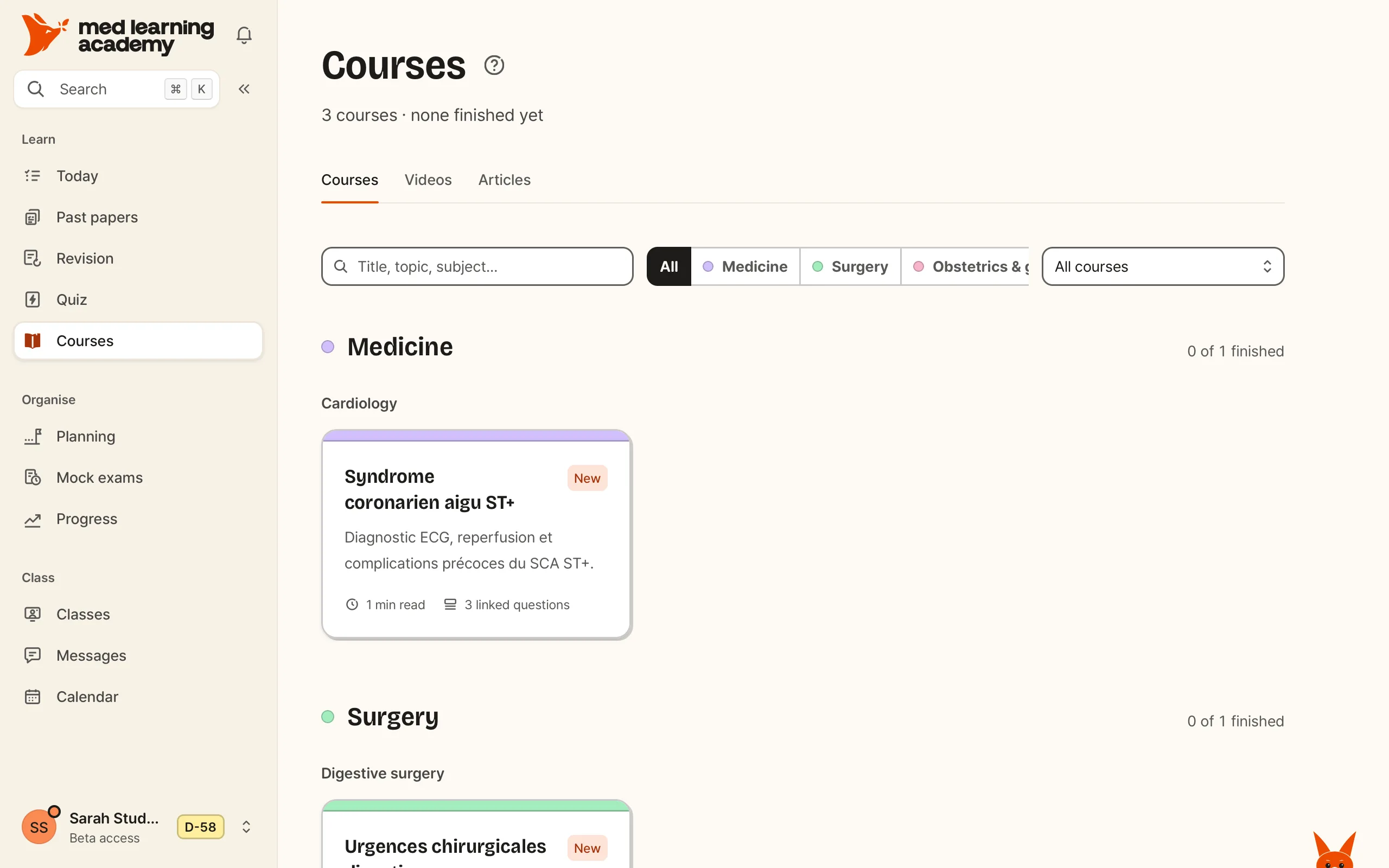
Courses

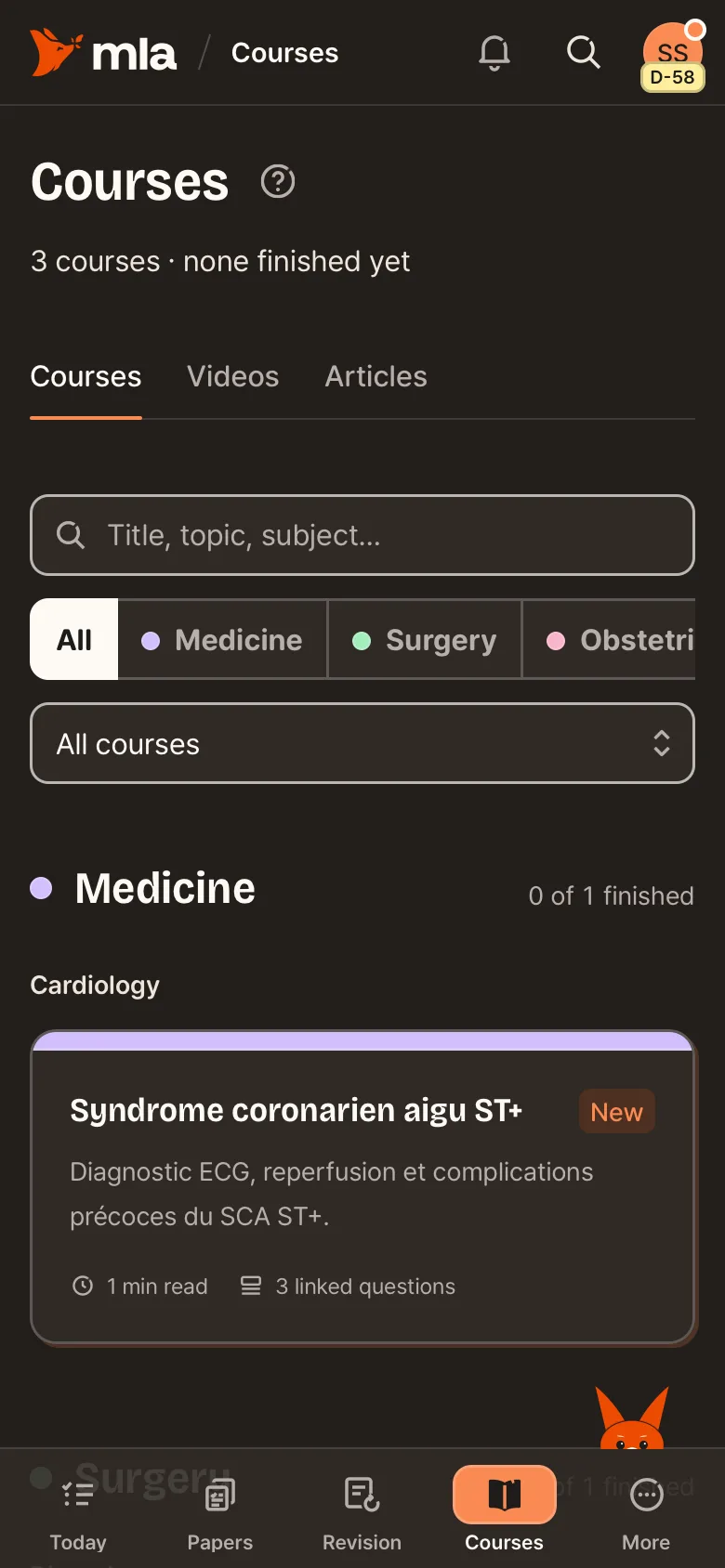
Short courses, linked to the questions that test them.

Each note says what to remember, points to the past-paper questions that test it and ends with a quiz on the same topic. From a correction, the linked course is one click away.

  • A library by module, with your progress: New, Started, Finished
  • “Key point”, “Note” and “Watch out” boxes
  • Contents that follow your reading
  • “Practice on this course”: a quiz on the note’s topic
  • Finished courses count in your study plan

Preview of the course library and a course: boxes, contents and linked questions.

Made it to the end?

Mark the course as finished: your plan and your library will take it into account.

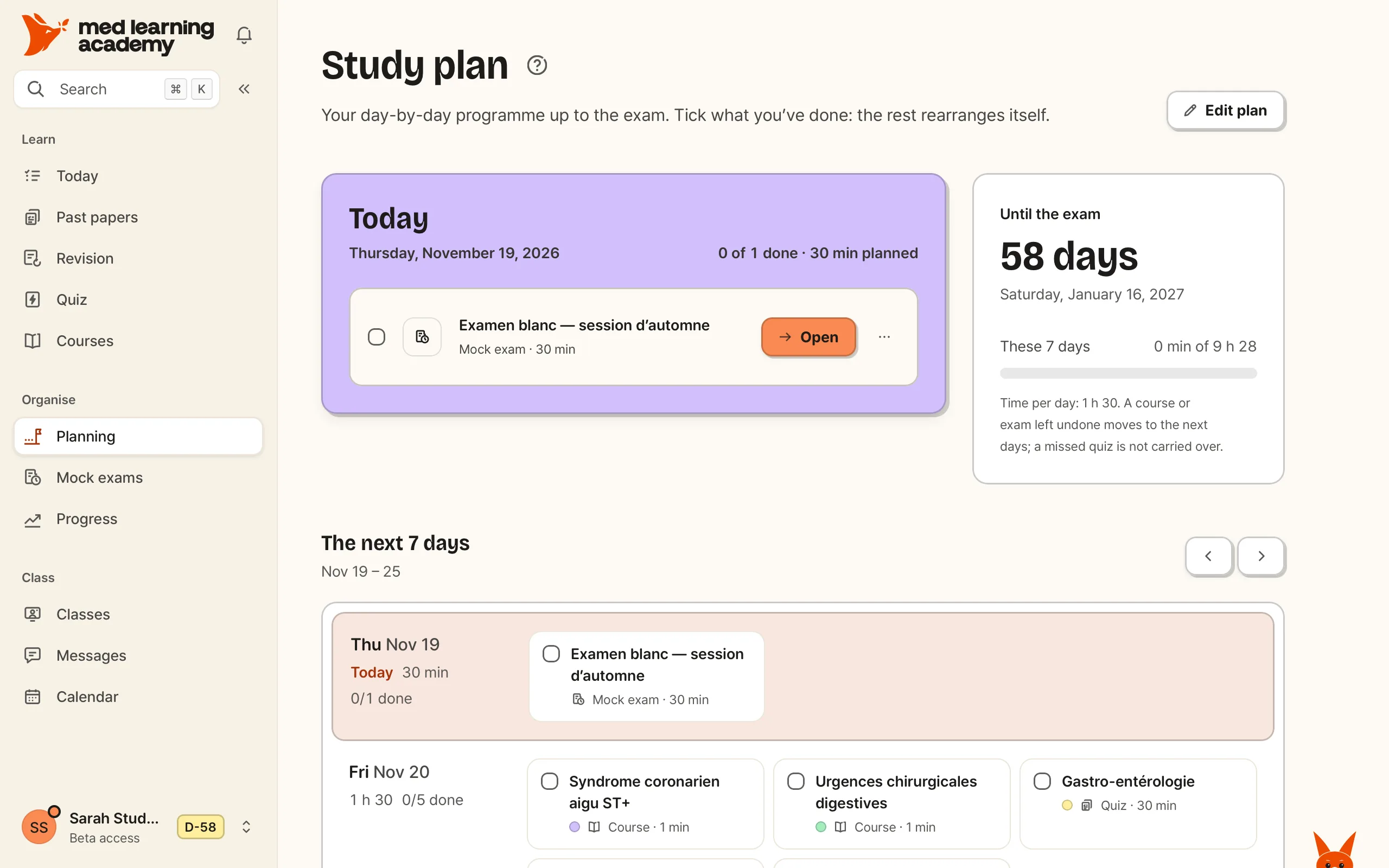
Planning

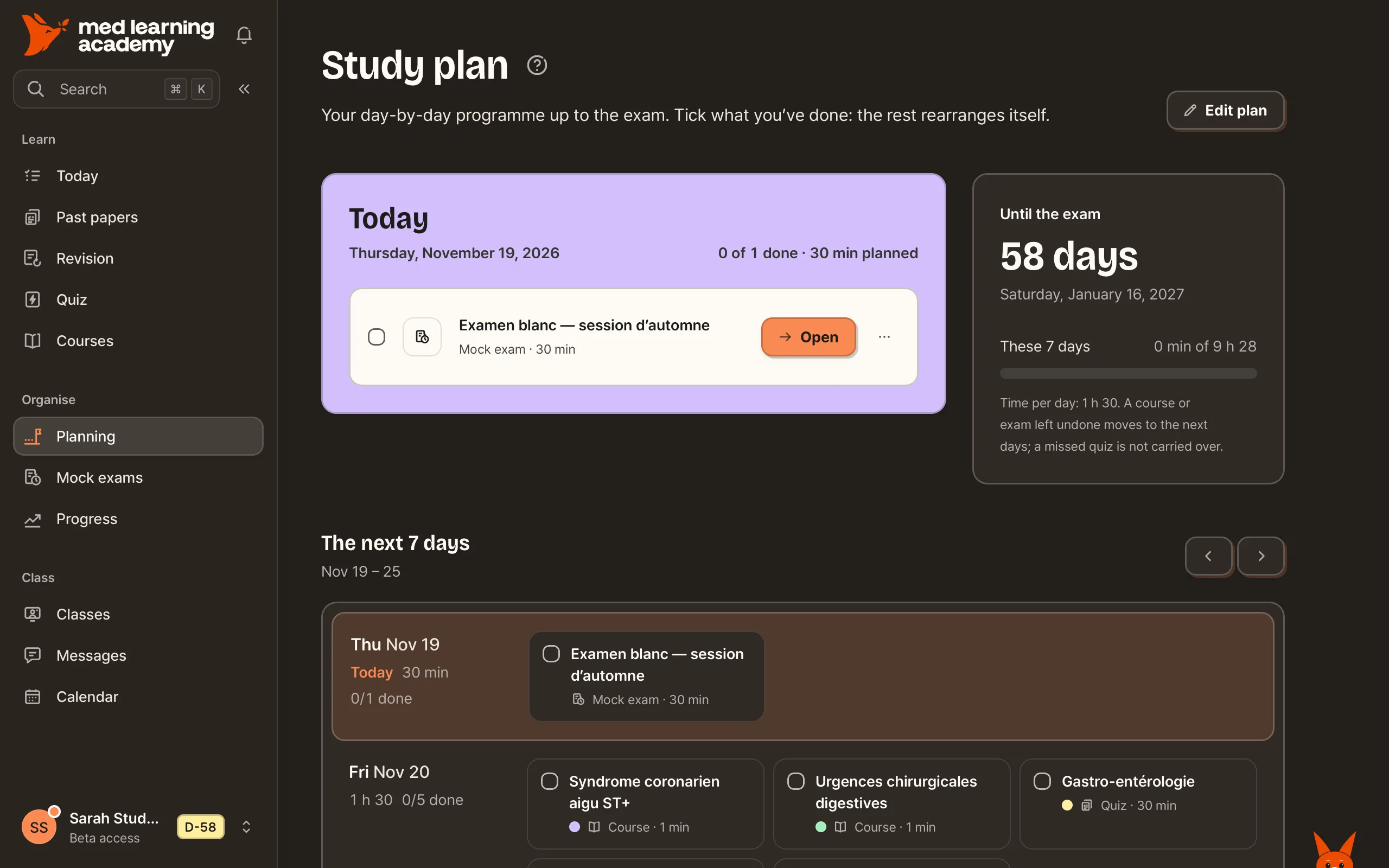
Enter your exam date and the app spreads your work day by day.

Enter the exam date, your time per day and the weight of each module. The plan spreads courses, targeted quizzes, reviews and full exams, and rearranges itself when a day runs over.

  • Three settings, which you can change at any time
  • Never more than your time per day, except on mock exam days
  • Your weakest modules already get a little more time
  • Anything left undone moves to the next days, marked “moved”
  • The countdown to exam day and your week at a glance

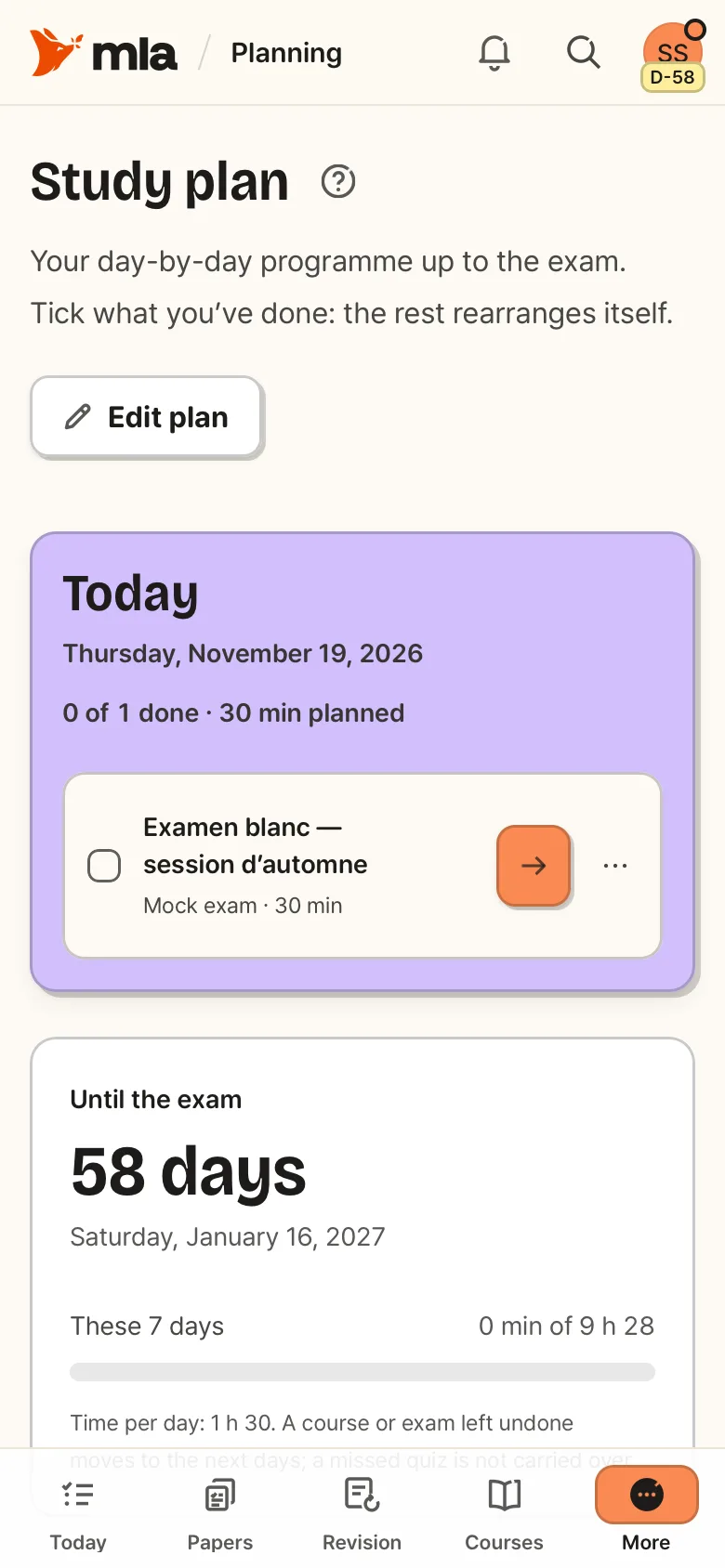
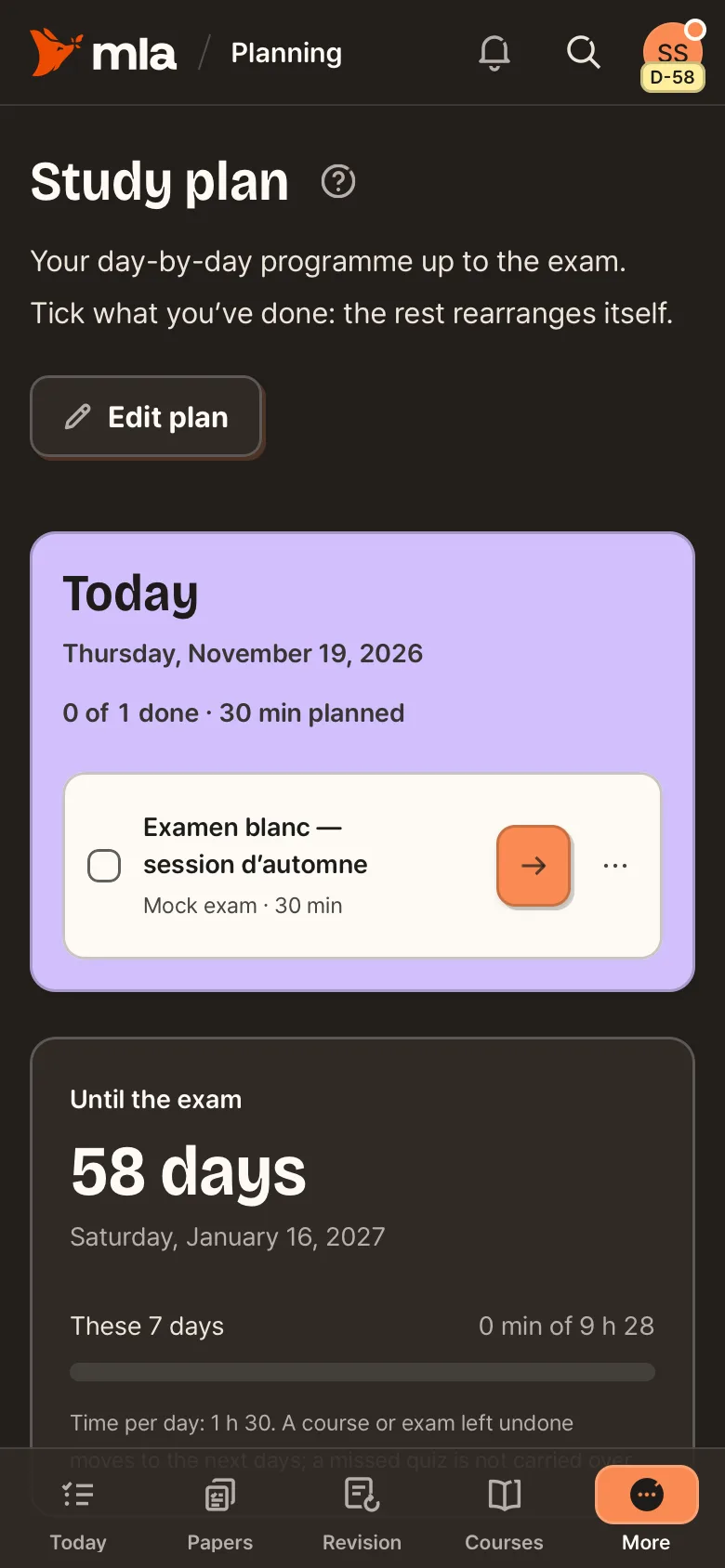
Preview of the study plan settings and board: today, countdown and week.

Change a module’s weight: the split follows.

Weight of each module

Share of each module (preview)

  • Medicine38%
  • Surgery25%
  • Paediatrics25%
  • Obstetrics & gynaecology13%

Time per day: 1 h 30. Anything left undone moves to the next days.

Sit the mock exam with everyone else, then see your rank.

Mock exams recreate exam conditions: a full paper, a clock that never stops, your attempt submitted when time runs out. At closing time, you see your score, your rank among participants, then the correction.

Mock exams
  • Open, upcoming, past: opening and closing dates announced
  • Exam-day conditions shown before you start
  • When time runs out, your attempt is submitted with the answers saved
  • At closing time: score, rank, percentile and the participants’ average

Preview of a mock exam in three steps: its page with the conditions, the submitted attempt, then results with score, rank, percentile and average.

  1. Before

    Conditions, announced

    Duration, number of questions, opening and closing. Start when you’re ready, while it is open.

  2. During

    Attempt submitted

    Results wait for closing time, for everyone at once.

  3. After

    Your rank

    Score, rank, percentile, the participants’ average, then the correction.

Progress

See which module is costing you points.

With every submitted attempt, the Progress page updates: what you did over the chosen period, your accuracy by module and the sub-modules to work on first.

  • A period of your choice: 7 days, 14 days, 30 days, 1 year or all time
  • Exams submitted, average score, questions answered, total time
  • Questions answered, day after day
  • Accuracy by module, since the start
  • “To work on”: your weakest sub-modules first

Preview of the Progress page: period selector, key numbers, questions answered over time, accuracy by module and sub-modules to work on.

Toubib, AI tutor

Toubib goes over the correction with you, never during the exam.

An option doesn’t make sense? In the correction or in revision mode, “Ask Toubib” opens a conversation about the question. Toubib works from the question text, the justifications and the linked course, and can offer a similar question to check it has sunk in.

Never during an exam: Toubib answers once you’ve submitted.

Toubib will help you with this question once you’ve submitted.

  • Your follow-up questions, and suggestions like “What’s the trap here?”
  • An AI-generated similar question, not counted in your stats
  • Your exchanges kept in “Your conversations with Toubib”
  • A clear reminder: the official correction prevails
All about Toubib

Preview of the Toubib panel in a correction, with its two tabs: Explanation and Similar question.

You

Why is D wrong?

What helps on long revision days.

What helps when you revise from morning to night:

  • French and English

    The interface comes in both languages. Translated content is labelled “Machine translation” or “Reviewed translation”, with the original one click away.

    What is the most likely diagnosis?
    Machine translation
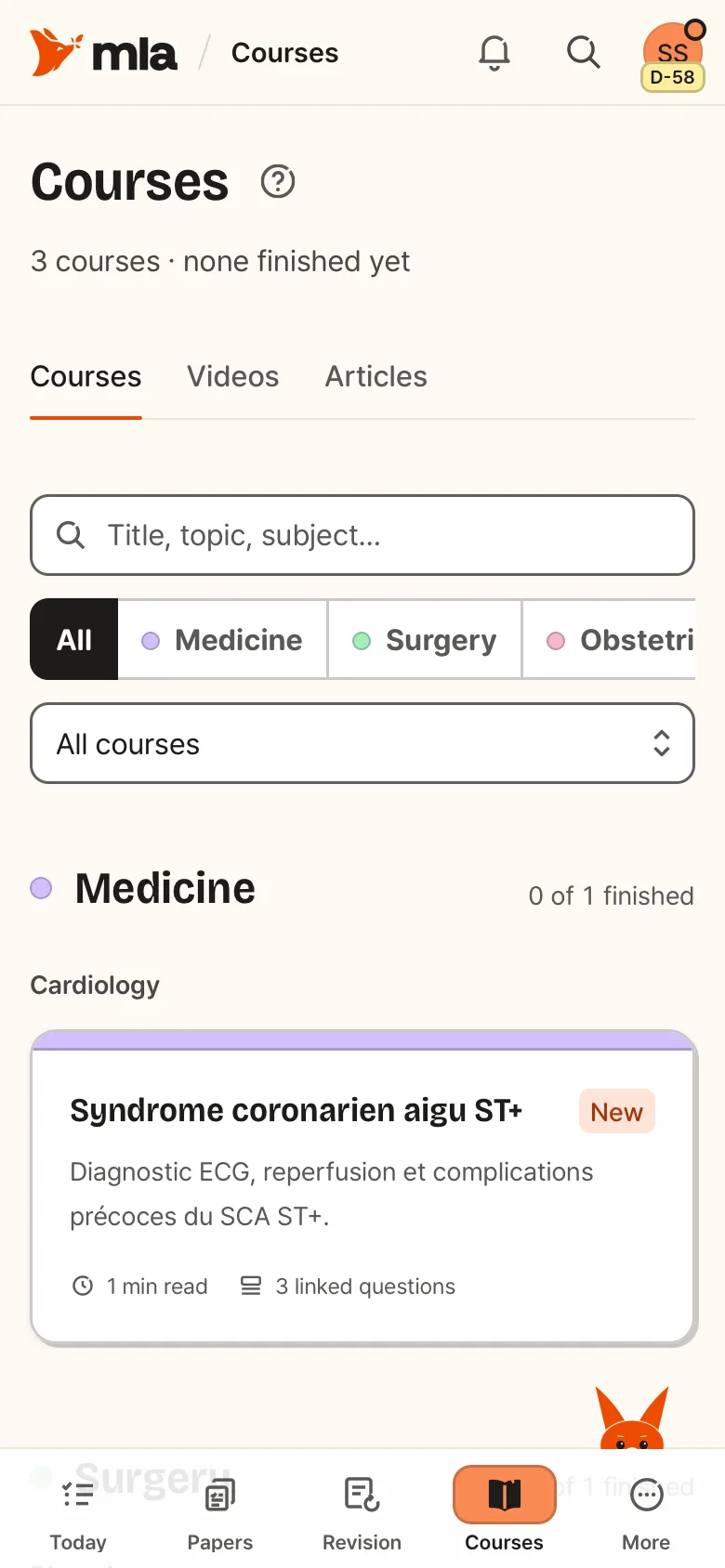
  • Phone, tablet, computer

    Everything runs in the browser, nothing to install. On a phone, a bar at the bottom of the exam keeps your progress in view.

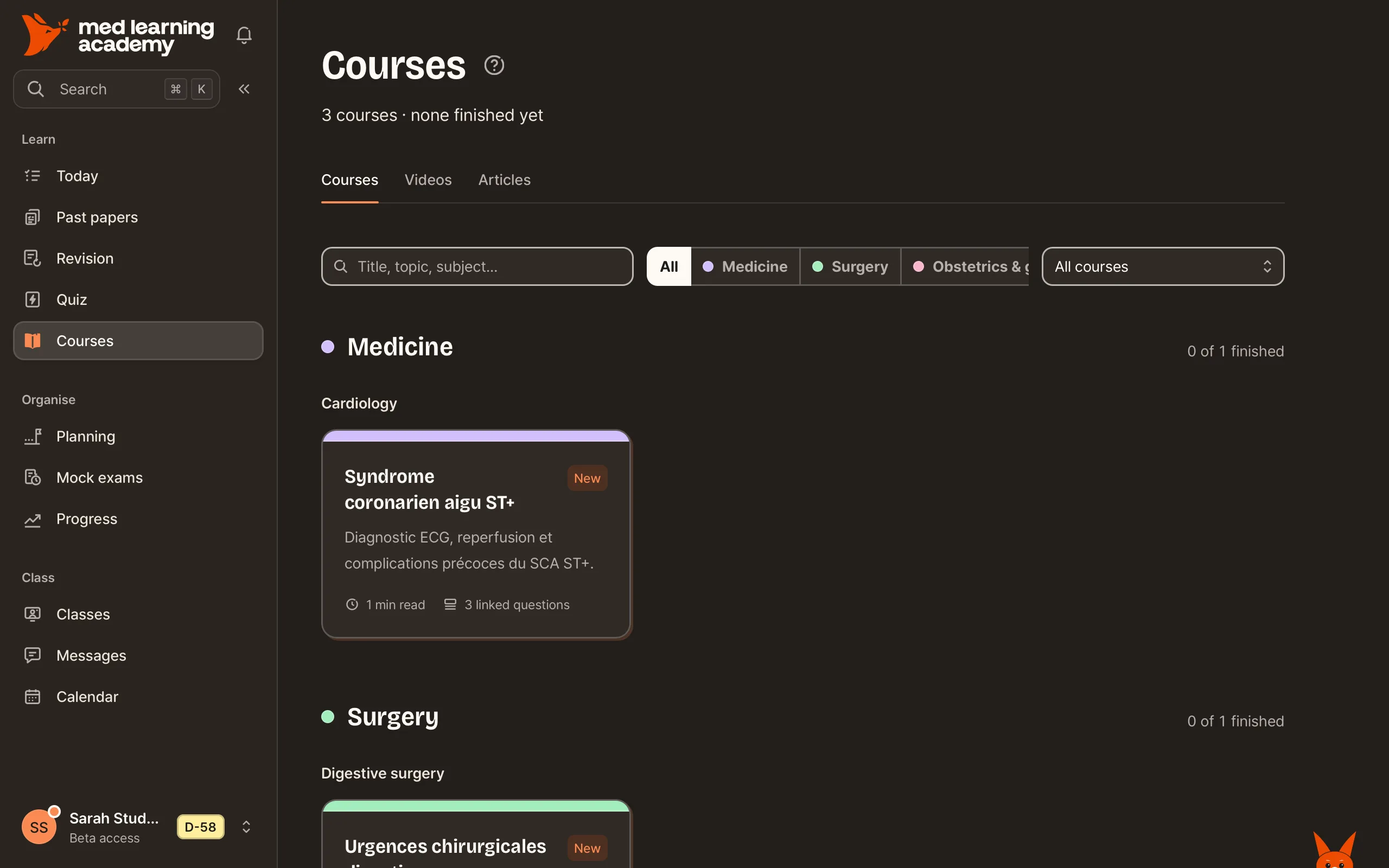
  • Dark mode

    Light, dark, or like your device: for late-night revision.

  • “Report” on every question

    A wrong answer key, incomplete question text? Report it during the exam or in the correction: the teaching team reads every report.

  • Keyboard shortcuts

    During an exam, the keyboard is enough. The “?” key shows the help.

    Tick an option
    AE
    Next, previous question
    JK
    Mark as “Unsure”
    F
    Highlight the selection
    H
    Zen mode
    Z
  • Toubib, quiet when needed

    Absent from the exam player, and you can hide him in settings.

    Show Toubib

Want to see what’s on the programme, or what it costs?

Numbers in the previews are examples.